
by Kia | Jul 9, 2021 | IT Help
In case, you don’t use an iPhone, iPad, iPod touch, Mac, Apple Watch, or Air Pods not a lot, you can remove them in Find My iPhone on iCloud.com. When you remove a device, obviously, it’s removed from your Devices list and Activation Lock is turned off. In order to...
by Kia | Jul 9, 2021 | IT Help
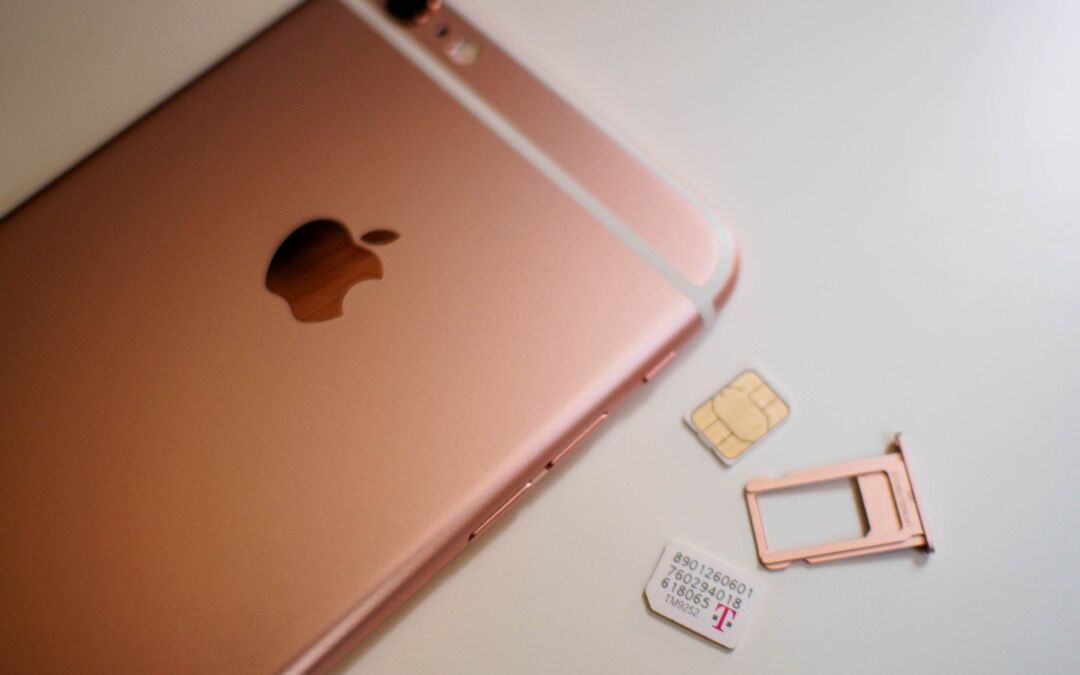
We are here to show you how to remove or transfer the SIM card in your iPhone or iPad (Wi-Fi + Cellular models). let’s check together: iPhone Prepare your model below to place the SIM tray. To open the SIM tray, you should insert a paper clip or a SIM-eject tool into...
by Kia | Jul 9, 2021 | IT Help
Let’s try to adjust graphics performance on your MacBook Pro. Actually, most of MacBook Pro models have two different graphic systems an integrated graphics processor and a discrete graphics processor a software feature that optimizes graphics performance between...
by Kia | Jul 9, 2021 | IT Help
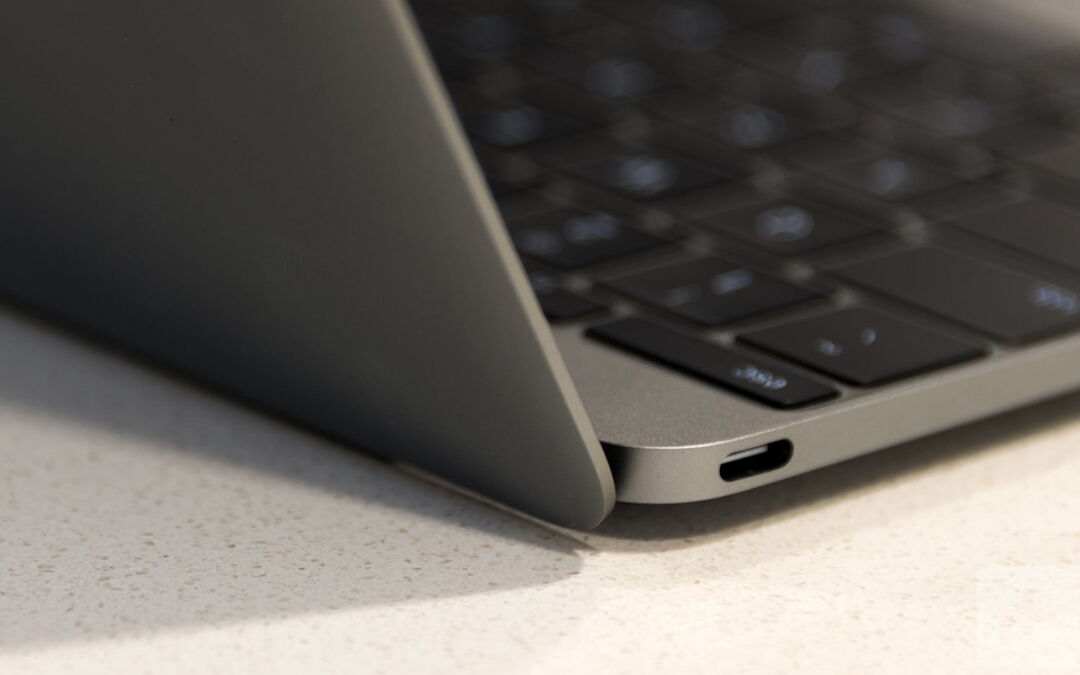
Let’s see what can we do when the USB-C power adapter that came with your Mac notebook computer stops charging, becomes warm or sparks. Normally, MacBook computers come with a USB-C power adapter and charge cable. Moreover, you can learn which power adapter and cable...
by Kia | Jul 9, 2021 | IT Help
Here you can learn which power adapter, cable and plug works with your Mac notebook computer. As you may know, power adapters for Mac notebooks are ready in 29W, 30W, 45W, 60W, 61W, 85W, 87W and 96W varieties. You can use the suitable wattage power adapter for your...
by Kia | Jul 9, 2021 | IT Help
Let’s use software update to find and install updates for macOS, built-in apps like Safari and apps downloaded from the App Store. How to use Software Update? 1- Select System Preferences from the Apple menu , after that click Software Update to check for updates. 2-...




Recent Comments